The service business sales stack: six tools, three levers, one audit
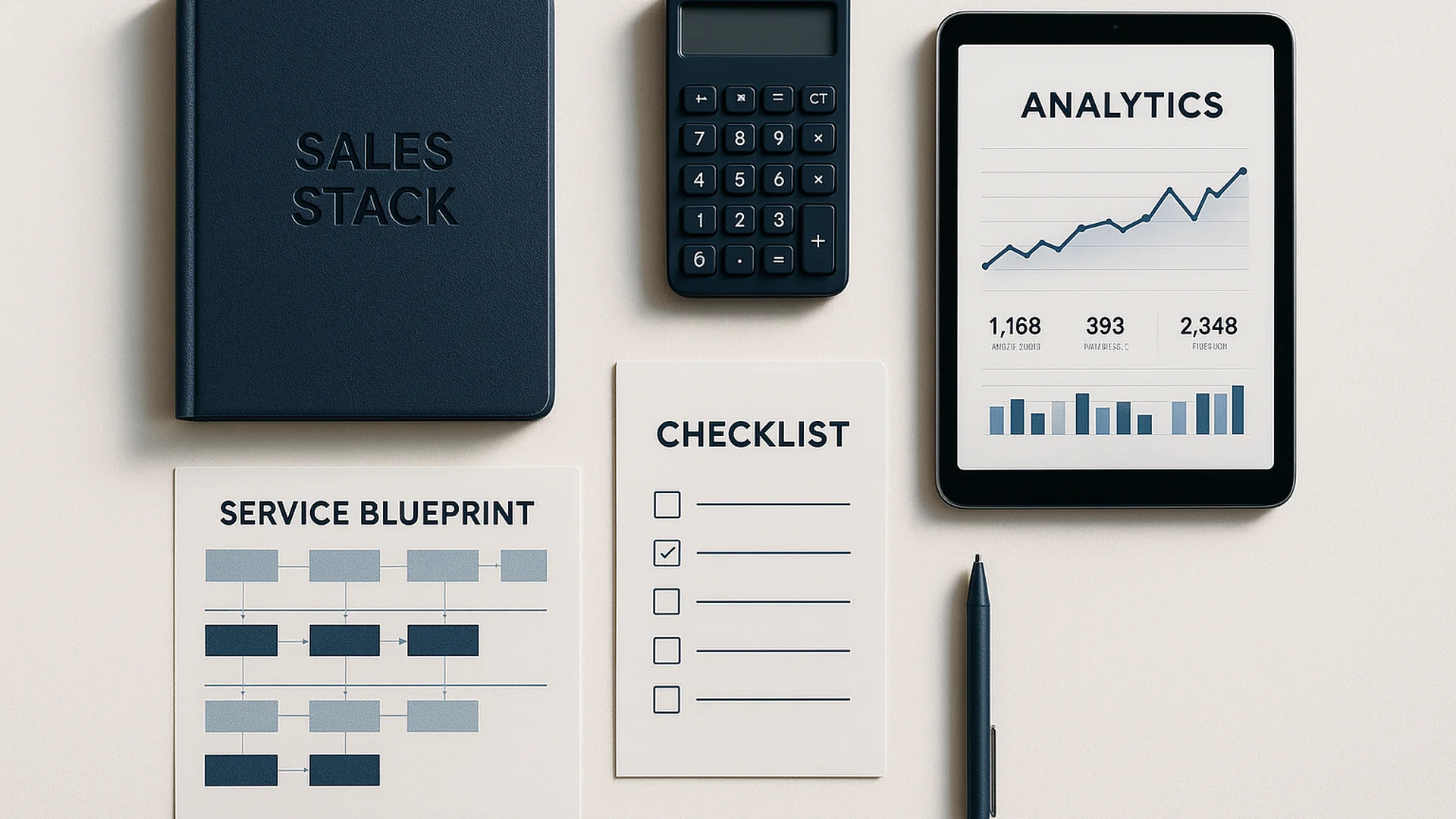
The "modern online sales stack" is what tool vendors call the thing they would like you to buy more of. Five tools become twelve, twelve become twenty, and somewhere along the way the team that was supposed to convert leads stops opening the website analytics. This post is what actually belongs in the stack a service business needs, what most teams end up over-buying, and the three things that move conversion before any of the tooling decisions matter.
[callout type=“insight” title=“Key Takeaways”]
- The smallest working sales stack for a service business is six tools, not twenty.
- Over-buying happens when a vendor pitch maps a problem you don’t have to a tool you do.
- Three things drive conversion before any sales tool: a fast website (75th-percentile Largest Contentful Paint, p75 LCP, under 2.5 seconds on mobile), a clear next step on every page, and a follow-up sequence that doesn’t die after email two.
- Attribution beyond first-touch and last-touch is rarely worth what it costs to set up at the volumes most service businesses operate at.
- The flywheel that compounds is post-purchase, not pre-purchase. Repeat business is consistently cheaper than acquisition. [/callout]
Quick answer
A modern sales stack for a service business has six core jobs: capture leads, qualify them, deliver content that warms them, accept appointments, accept payment, and follow up after the sale. Six tools, often fewer if one tool does two jobs well. Anything beyond that is either an upgrade to a job you're already doing or a job you don't actually have.
I’ve built this stack twice for my own consulting practice. The first version had seven tools. I got it to four without losing anything that mattered, because three of the seven were solving the same problem in slightly different ways, and I’d added them one at a time over eighteen months without ever stepping back to look at what the pile was actually doing. The test I use now: if I turn this tool off tomorrow, what breaks? If the answer is “nothing I’d notice for a week,” it’s not earning its seat. I run this check before every annual renewal.
Some context on where this comes from: I run a WordPress consulting practice: development, audits, and site work for publishers, universities, and organizations where the website is closer to infrastructure than to marketing. The clients who ask me about sales stacks are independent consultants, small agencies, and in-house teams where one or two people own the website and the business development at the same time. Everything in this post is calibrated for that kind of operation: inbound-first and relationship-driven, with project-based revenue. If that describes your setup, this is the framework I would walk you through before recommending a single tool purchase.

What gives the stack its edge is editorial and operational rather than technical. The website that converts and the follow-up sequence that doesn't die are what produce revenue. The customer-relationship management (CRM) system and the analytics platform record what already happened on the way there.
The six jobs the stack has to do
- Capture leads. Forms, calendar widgets, or page-level downloads, whatever produces an email address and an intent signal. The form on your contact page does this job, and most service businesses need nothing more.
- Qualify. Sort the inbound by fit before sales time gets spent. Two questions on the form, a simple routing rule, or a 24-hour reply pattern that surfaces fit early in the conversation.
- Deliver warming content. An email sequence or follow-up pattern that gets the prospect from "submitted a form" to "ready to talk." Most service businesses get this wrong by stopping at email two.
- Accept appointments. Calendly®, Cal.com, or a host's built-in scheduler. The only feature that genuinely matters is whether time-zone handling works correctly across the locations your prospects are in.
- Accept payment. Stripe, Square, or a host's built-in invoicing. Direct payment is faster than waiting for a wire transfer, and ACH (the US bank-to-bank transfer rail) is cheaper than credit card on invoices over $1,000.
- Follow up after the sale. The single highest-return job in the stack and the one most teams under-resource. A 30-day check-in, a 90-day satisfaction note, and a yearly relationship pulse keep most clients warm for the next engagement.
If you can't name which tool currently does each of those six jobs in your setup, that exercise is the audit worth doing before buying anything else.
What most teams over-buy
When I cut my own stack from seven tools to four, none of the three I dropped was a bad tool. Each one demoed well and each one did its job. They just answered a question I didn’t actually have enough volume to ask. That is the trap with everything on this list. The tool is real, the problem it solves is real, and it still doesn’t belong in your stack yet because you haven’t hit the scale where the problem is yours.
- Multi-touch attribution platforms. These cost $2,000 to $15,000 a year and they tell you which channel got the credit for a deal. For a service business with under 200 deals a year, the data isn't statistically significant, and the answer is usually "the referral, or the search result that brought the referral, mostly."
- Sales-engagement tools (Outreach®, Apollo, SalesLoft). Designed for outbound sales across your whole pipeline. If your sales motion is genuinely inbound, prospects came to you, these tools add overhead without adding revenue.
- Conversational AI and chatbots. Useful when traffic is high enough to justify the tuning effort. For a 5,000-visitor-per-month service business, the bot tends to deflect three useful questions and frustrate a dozen visitors. The team is the better answer at that volume.
- Lead-scoring algorithms. Helpful when the lead volume genuinely exceeds human attention. With 20 to 80 inbound leads per month, a simple checklist beats a model.
The single biggest pattern running underneath all four of those, the dashboard fallacy, deserves its own paragraph. It shows up whenever a team adopts a tool because the dashboard looked impressive in the vendor demo. A month after rollout, nobody is logging into the dashboard. Six months in, the dashboard is the artefact and the actual work is happening back in spreadsheets and Slack messages.
I’ve done this to myself. At least one of the tools I eventually dropped was bought on the strength of its reporting screen, and I genuinely believed I would read those reports every Monday. I read them for about three weeks. After that the number I actually checked was the one I could see at a glance in my inbox, and the dashboard sat there billing me monthly for a habit I never built.
The honest test to run before any sales-tool purchase is this: name the specific weekly report you will actually read, name the person on the team who will read it, and name the action they will take based on what it says. If any of those three answers is fuzzy, the weekly meeting in front of the data you already have will do more for you than a new dashboard somebody else will run.
Three things that move conversion before the rest matters
- A website that loads in under 2.5 seconds on mobile. Real-user p75 LCP, not the Lighthouse score. Every 100 milliseconds of page-load improvement at this threshold typically lifts contact-form completion by 1 to 2 percentage points. The fix is usually plugin discipline, image pipeline, and edge cache, and it almost never requires a new sales tool.
- A clear next step on every page. Service pages with a primary call-to-action (CTA) above the fold and one alternative path ("book a call" beside "send a brief") convert two to four times better than service pages where the CTA is "contact us" buried near the footer. The fix here is editorial rather than technical.
- A follow-up sequence that survives past email two. Most teams send one prompt reply and one polite nudge, and then the lead is allowed to go cold. Five to seven well-spaced touches across 30 days, each one adding a useful piece of content rather than another ask, turns "interested but busy" into "let's talk."
I am not arguing that tooling never matters. It does, once you are doing enough volume for the tool to carry its own weight. What I am arguing is that for most service businesses these three levers are still loose, and tightening them costs nothing but attention. When I sit down with someone whose conversion has stalled, this is where I start, before I will look at a single line item on their software bill. None of these three changes requires a tool purchase. They are operational disciplines, which is part of why they keep getting deferred in favour of the next dashboard demo.
The post-purchase flywheel that compounds
Acquisition spend gets the marketing budget; retention work earns most of the revenue. The flywheel that turns one engagement into three, in roughly the order things show up:
Deliver the work cleanly, because the post-launch experience is the marketing the next client will hear about. Document outcomes the client can repeat back internally, numbers they can hand their CEO or their board without needing to translate. Ask for the testimonial when the outcome lands, not six months later when memory has faded: a specific quote, a named role, a named company, and a date. Check in before they need you, since a 90-day touch costs nothing and tends to surface either a follow-up engagement or a referral that would not have happened otherwise. Then cross-link the case study to the next service you offer, because the client who hired you for the first job is the warmest lead you have for the second.
This list isn't in any sales-stack vendor pitch because it can't be sold to you as a tool. It is the part of the stack that determines whether the rest of the stack returns more than it costs.
A 30-minute audit of your current stack
- List the tools currently in your stack. Annotate which of the six jobs each one is doing.
- Mark any tool that does no clear job, or that does a job another tool already does better.
- Mark any of the six jobs that has no tool assigned. Usually that gap is post-purchase follow-up, and sometimes it's qualifying.
- Pull the last 90 days of inbound leads. Count the touches each one received after the form submission. If most leads got two touches or fewer, the gap in your sales motion is operational, and more follow-up will close it faster than more software.
- Check the website's p75 LCP in Search Console. If it's over 2.5 seconds on mobile, fix that before anything else on this list.
When to bring in someone outside
The 30-minute audit above is genuinely doable in-house, and if you are still in the first year of transitioning to consulting, this stack is where clarity compounds fastest. Any service business with someone willing to walk through the stack honestly can run it without me. Where outside help earns its keep:
- The stack has accreted to twelve or more tools with no clear owner, and the next renewal cycle needs to be turned into a rationalisation moment rather than another renewal.
- Conversion is flat despite traffic growth. That is usually a website-speed or page-CTA problem, and worth a measured pair of outside eyes before adding to the stack.
- The team is mid-rollout of a new sales tool and the rollout is producing more friction than the tool was meant to remove. That pattern usually means the wrong tool was chosen for the job, and the sooner that is named the cheaper the recovery.
I’ve recommended the same six-tool framework to clients across three different industries this year. I haven’t seen anyone lose a deal because they dropped a tool from the list. I’ve seen plenty of time lost generating reports nobody reads, and money spent on annual renewals for software that nobody logs into.
The sales stacks that quietly outperform tend to be the ones that resisted the upgrade pitch and stayed at six tools long after the team could have justified twelve. The bill is smaller and the team trains faster. The work that actually moves conversion, the writing on the page and the follow-up sequence that runs to its end, sits in the same place it always did: outside the tool list, on someone's desk, waiting for the attention the next vendor demo keeps deferring.